How to integrate your Google drive files with Wonderchat
- To integrate your chatbot with google drive, head over to the Settings > Integrations tab
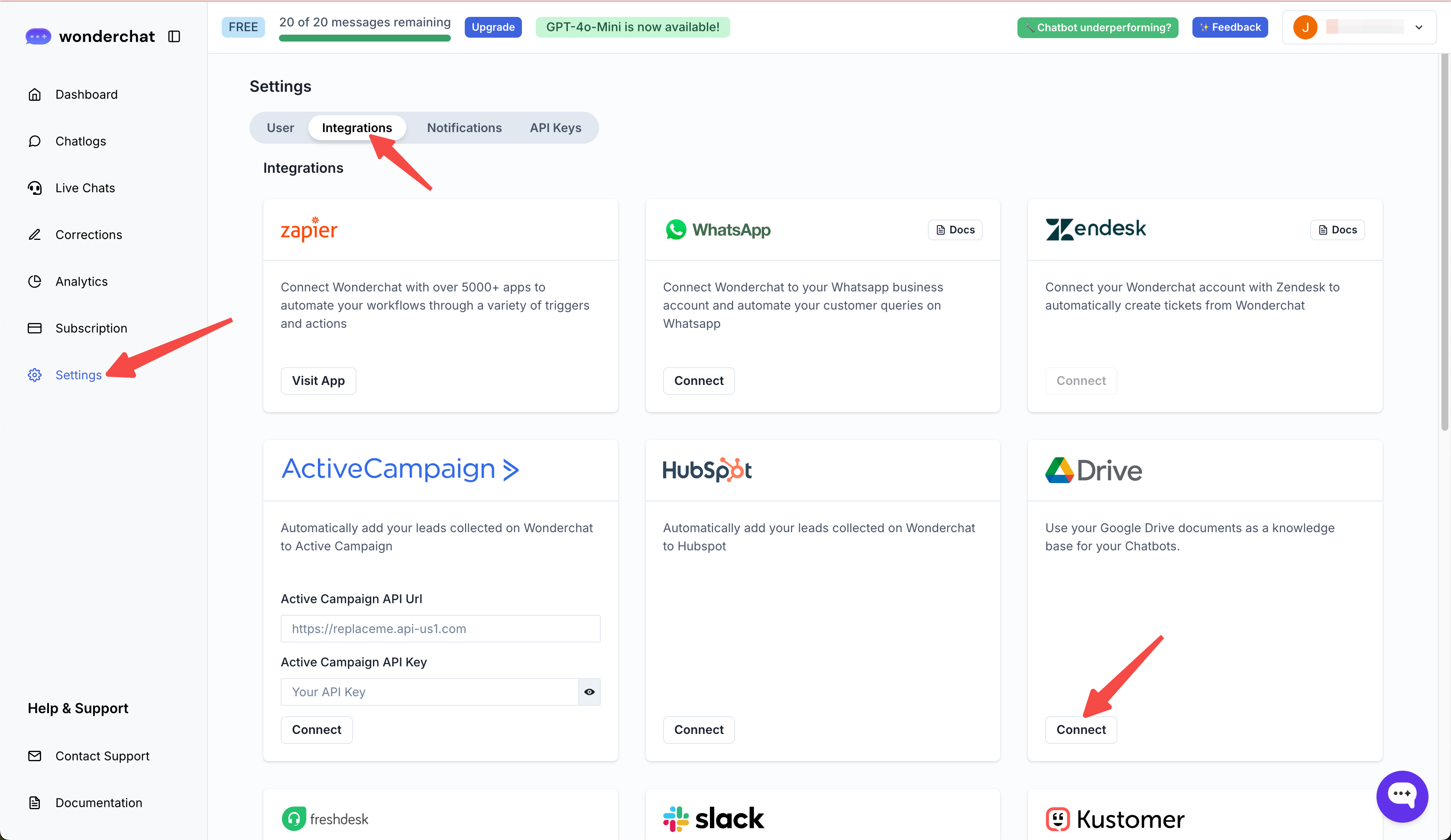
- Hover to the “Google Drive” card and select “Connect”
Remember that the Google Drive account you connect your chatbot to must also be the owner of the chatbot subscription.
A team member of a chatbot will not be able to connect their Google drive account to the plan.
- Upon selecting connect, you will be redirected to Google drive for authentication.
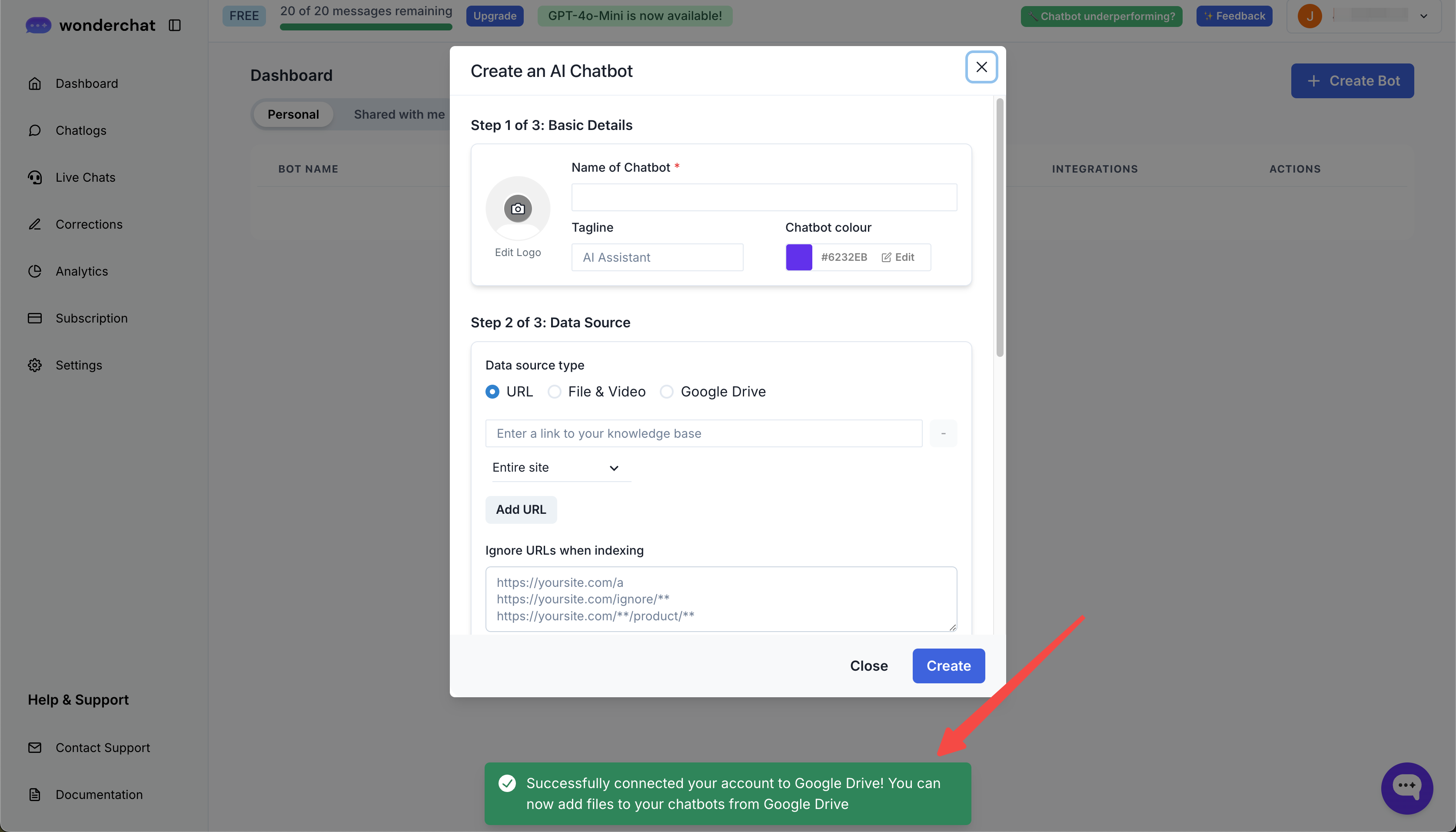
- Upon successful connection, you will receive a notification informing you of the successful connection
- Once connected, you can either edit a chatbot or create a chatbot and select the “Google Drive” option to add more files
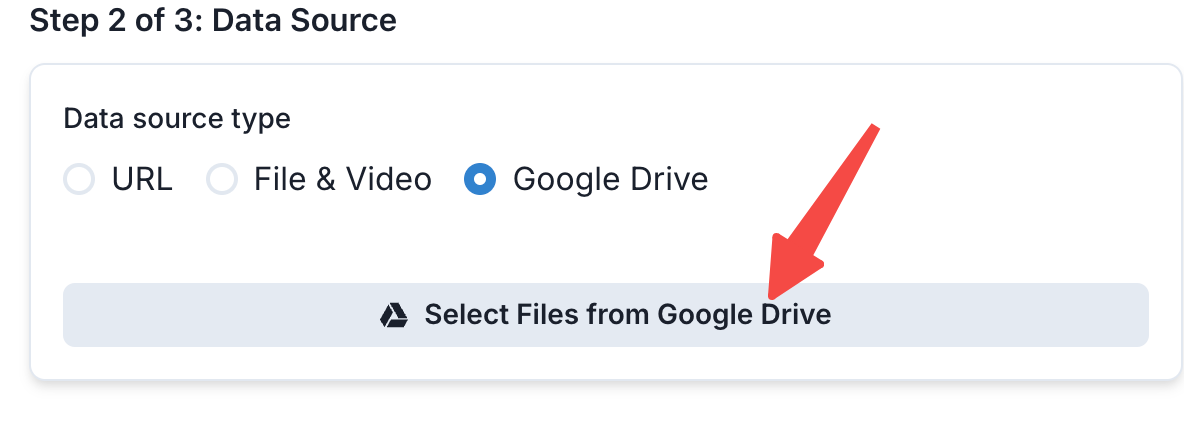
- Once you have selected the files, click on update or “create” your chatbot.