Every Wonderchat bot is equipped with the ability to cite sources. Let’s take a deep dive onto what type of source citation methods would benefit your chatbot the most.
- Cite Similar Sources
The ‘cite similar sources’ setting is most suitable for chatbots that are built on website links.
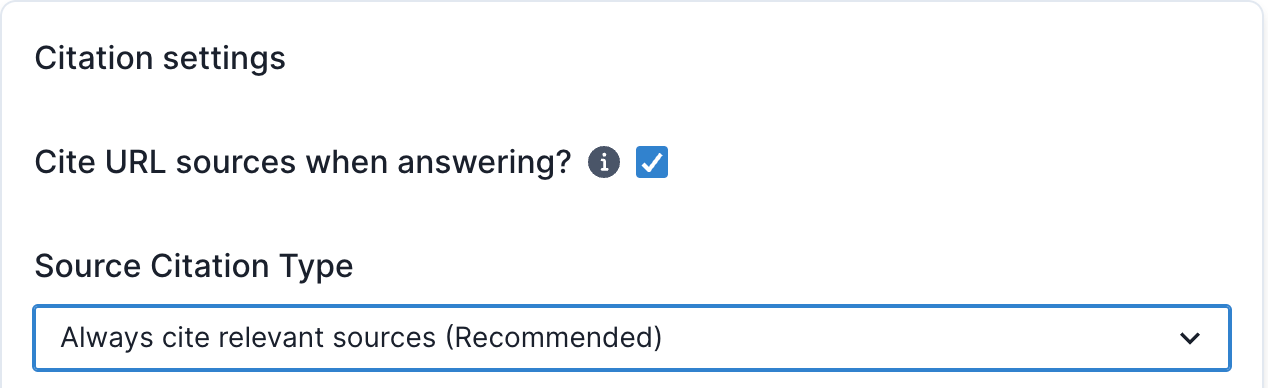
This setting allows your chatbot to display a ‘read more’ section below, which would link to webpages that serve as the sources of truths for the chatbot’s responses.
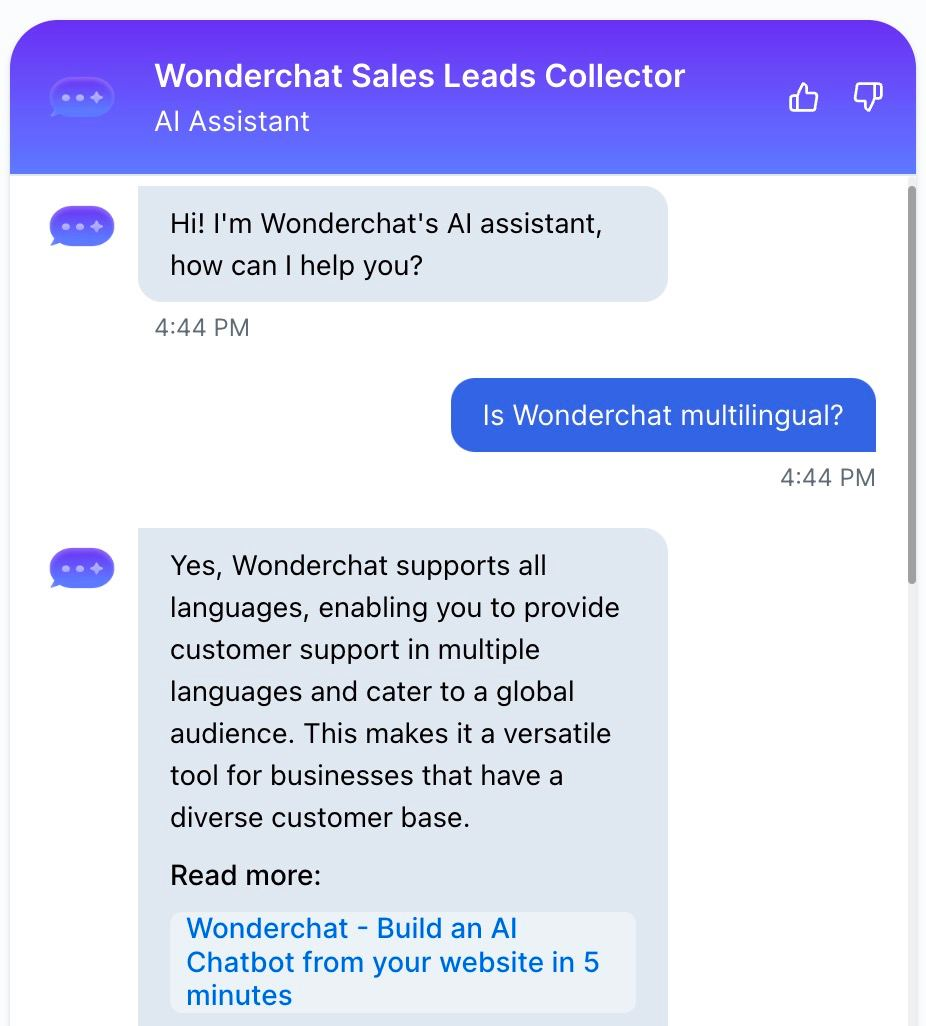
If you find that the existing chatbot’s response does not include a page link that you want, you can add the page link as a correction here.
- Cite most appropriate sources
This source citation is recommended if you want your chatbot to respond with the raw link of a source.
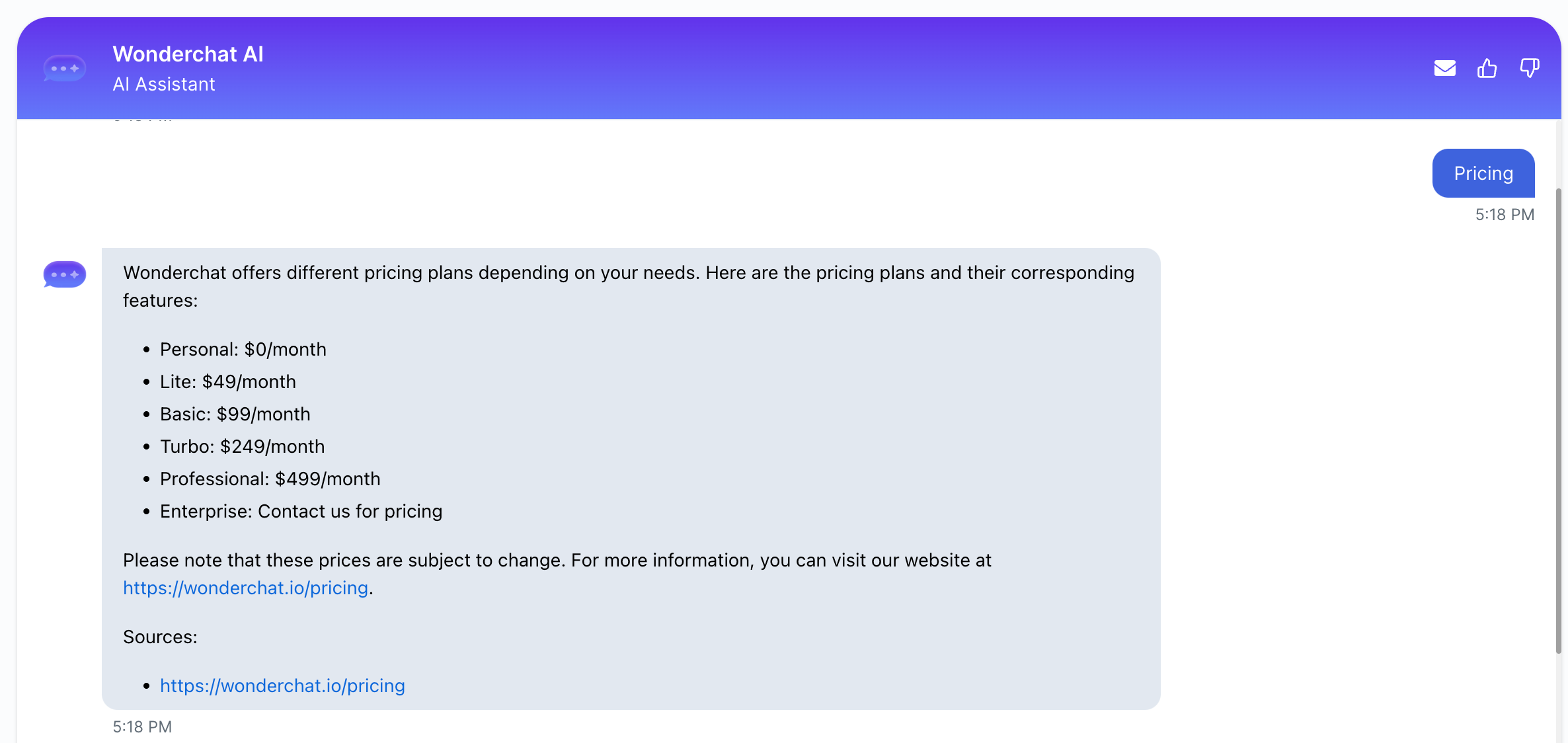
It is highly recommended that you use this setting in combination with a GPT-4 model to prevent link hallucinations where a chatbot would recommend a wrong link.
- PDF source link citation
It is recommended that this source citation link is turned off unless you prefer your chatbot to cite the exact PDF source name and page where it fetches the information from.
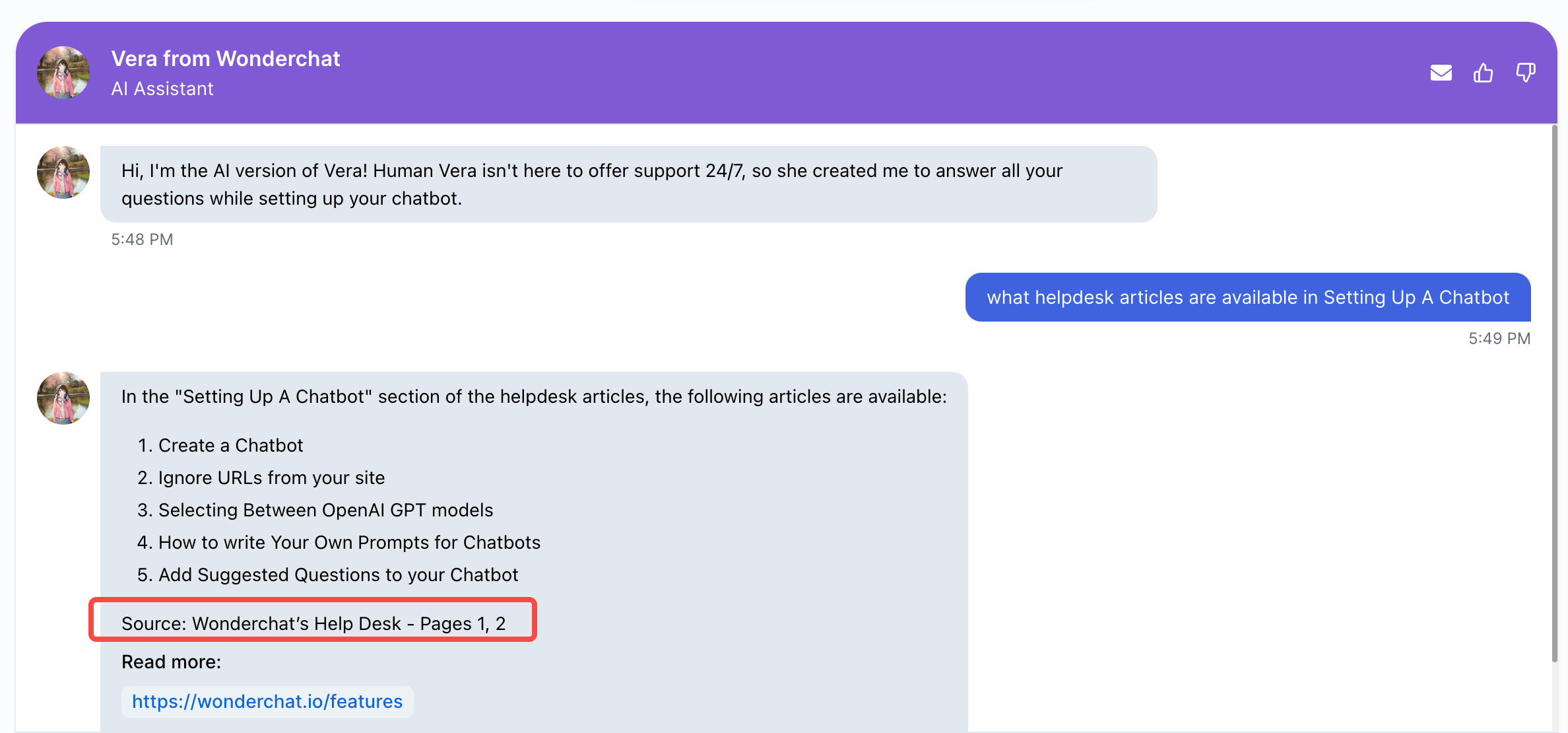
As you can see in the image above, enabling PDF source citations is only useful when you wish for the bot to pinpoint exactly which part of a PDF document they have obtained their information from.
- Turning off source citations
To turn off source citations, simply uncheck the buttons that say “cite URL/PDF” when answering