The website with a lot of rich content that you would like to crawl may be behind a login authentication page.
To bypass this login authentication, you have to follow the steps below and also download an extension. Please also ensure that you have the full authority and right to crawl a password protected site.
Step 1: Download a Chrome Extension
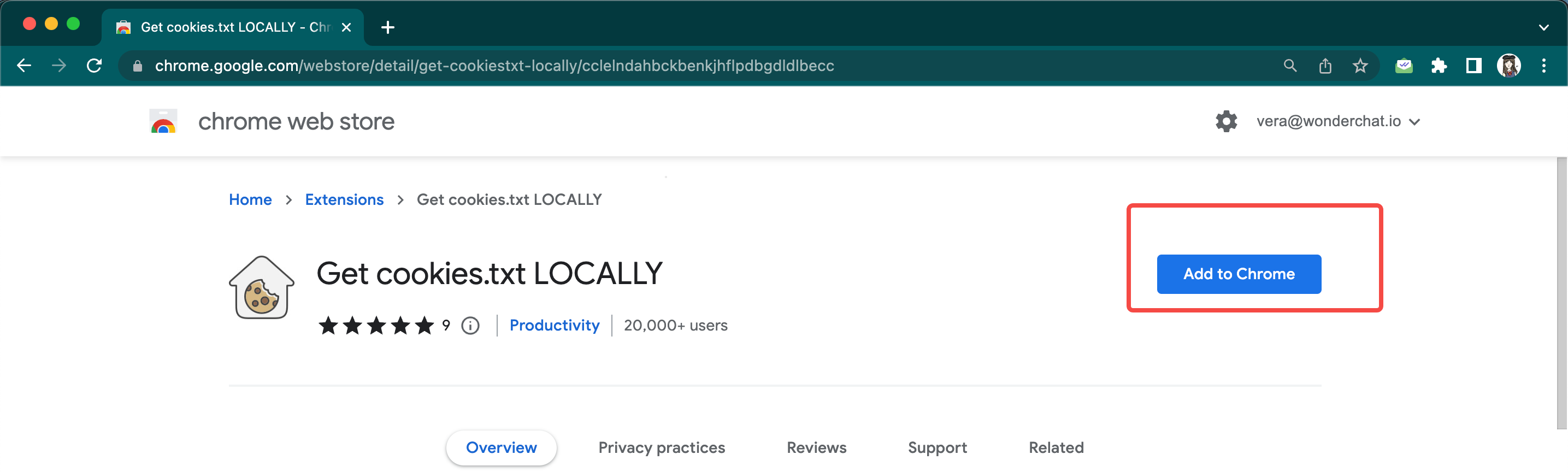
Download this chrome extension which would help you to fetch a session cookie allowing Wonderchat access to crawl your site.
- Link to download:
Get cookies.txt LOCALLY - Chrome Web Store
Get cookies.txt, NEVER send information outside with open-source


- The tool downloads cookies locally into your server so it would allow you to safely store the cookie.
- Click on “Add to chrome”
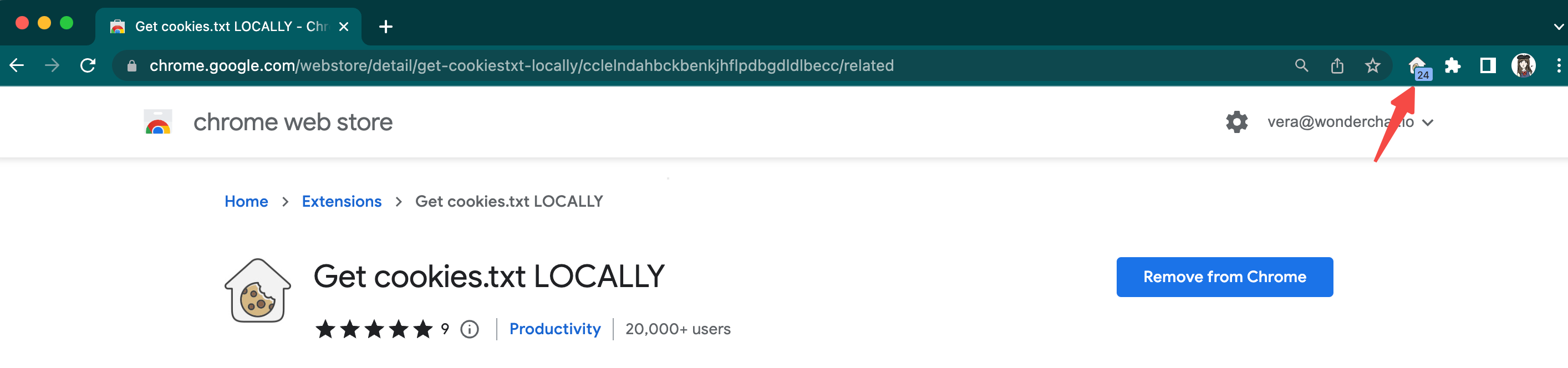
- The extension should now show up on your side bar
Step 2: Log into your private website
- Go to your website, and log into the password protected site.
- For example, we want to crawl a Wordpress community site so we have to be logged into the website.
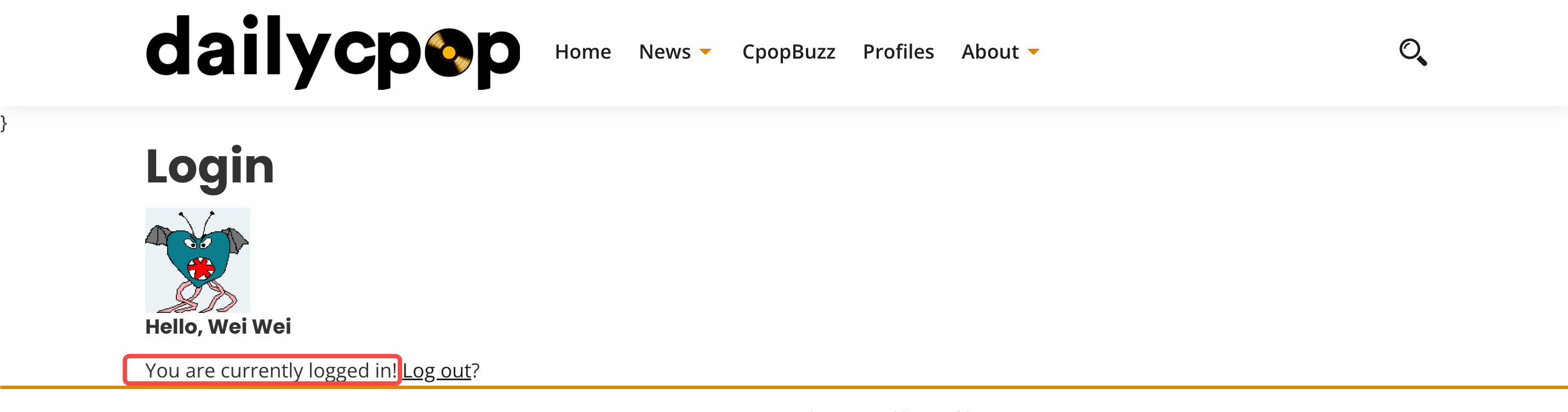
- Ensure that you are logged into the site
Step 3: Use the Cookies extension within your logged in private website
- After you have logged into your private website, open the “Get cookies.txt LOCALLY” extension.
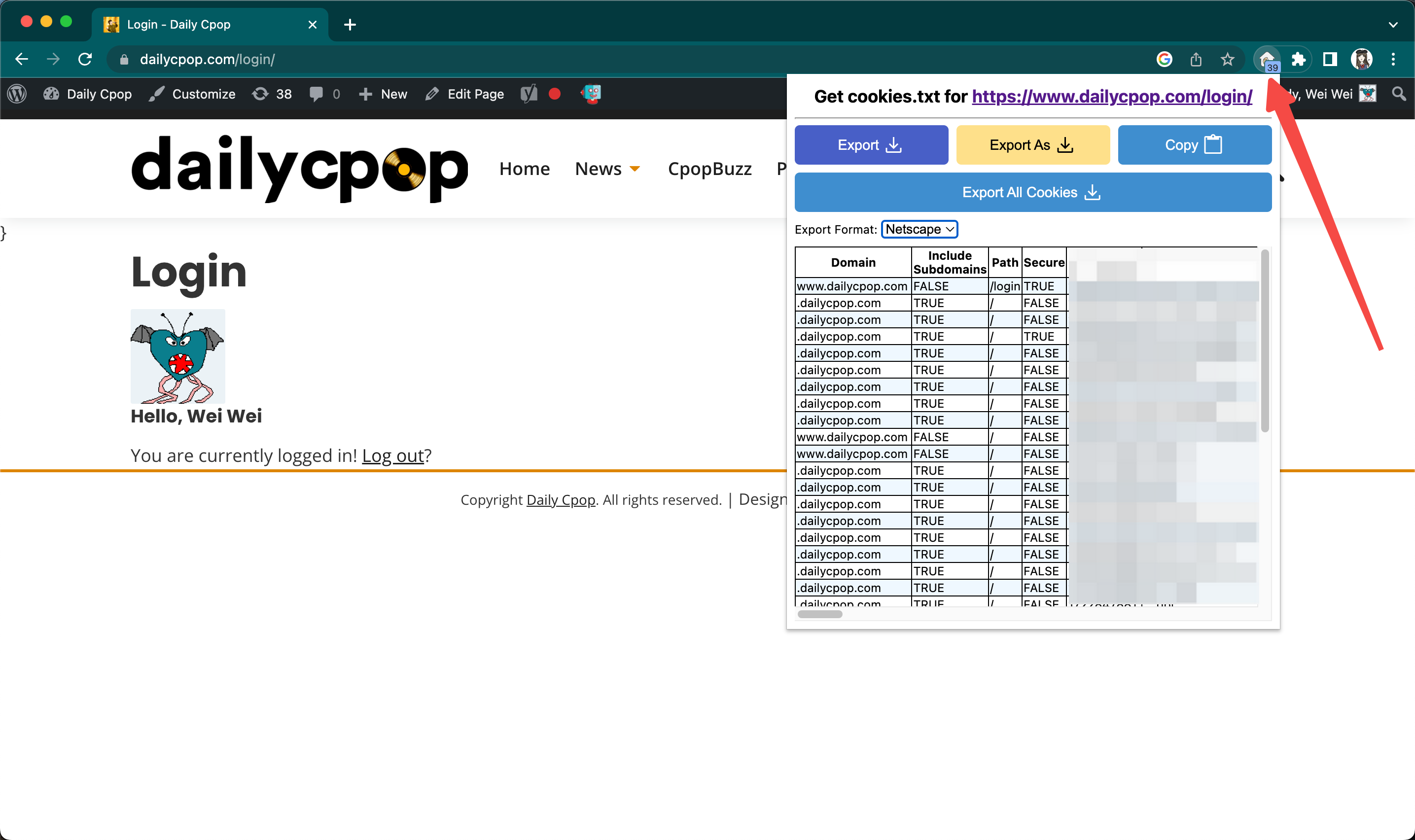
- Set “Export Format” as JSON.
- This is critically important, as the default format is set as “NetScape”
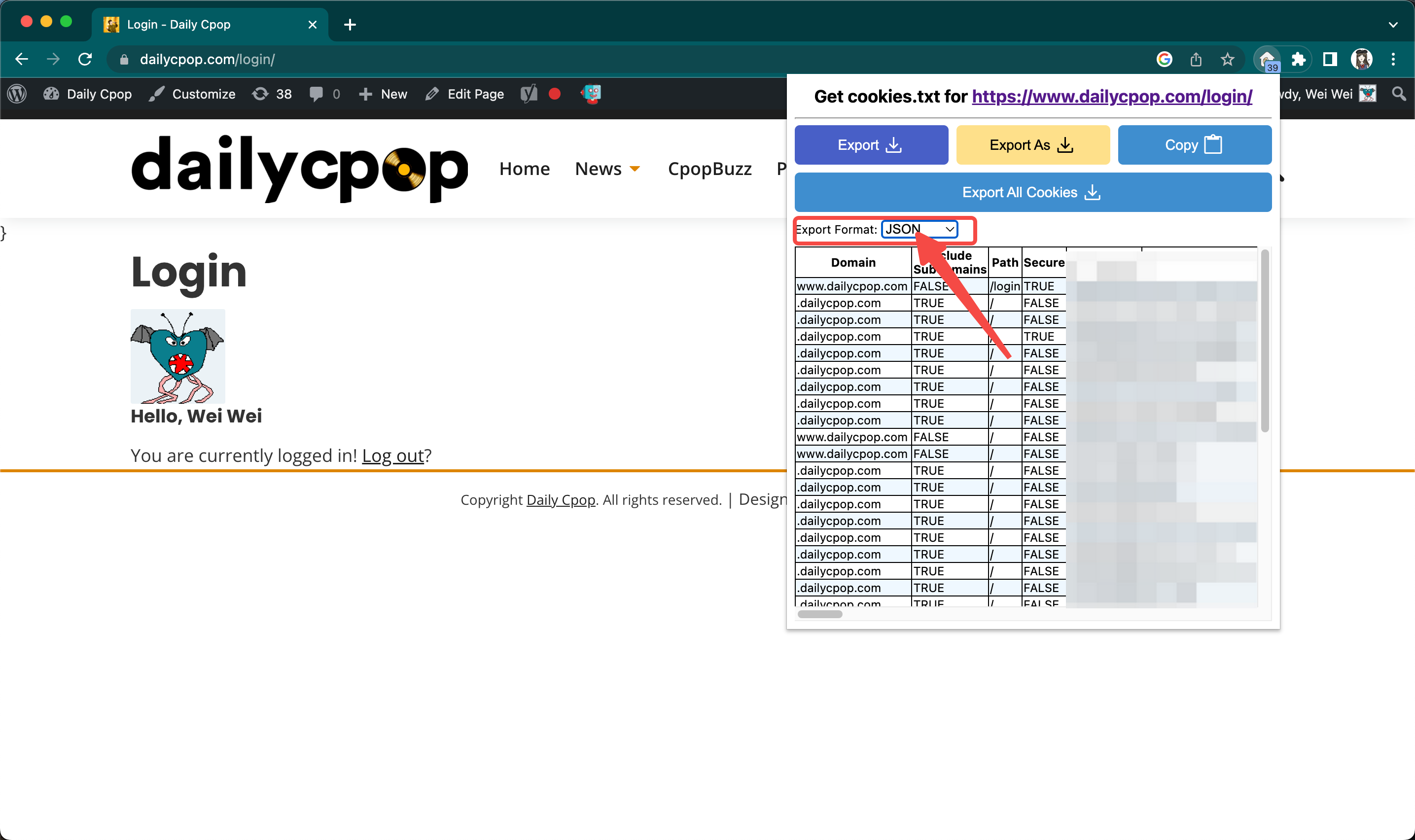
- Click copy to copy your session cookie to your clipboard
Step 4: Add your copied text into your Wonderchat Bot
- Go back to your Wonderchat dashboard, click on “Create Chatbot” or “Edit Chatbot”
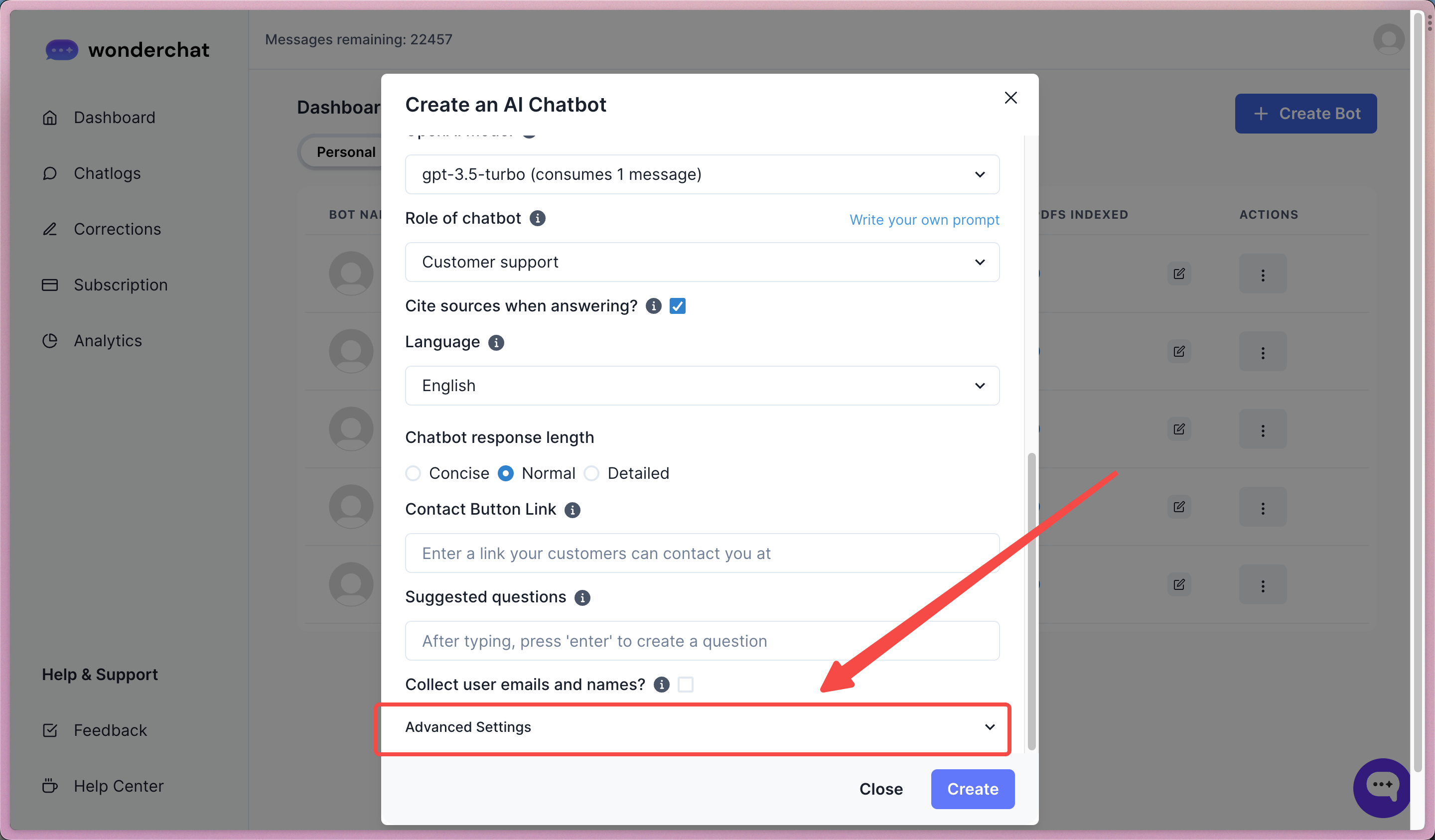
- Enter the link to your website that requires a login
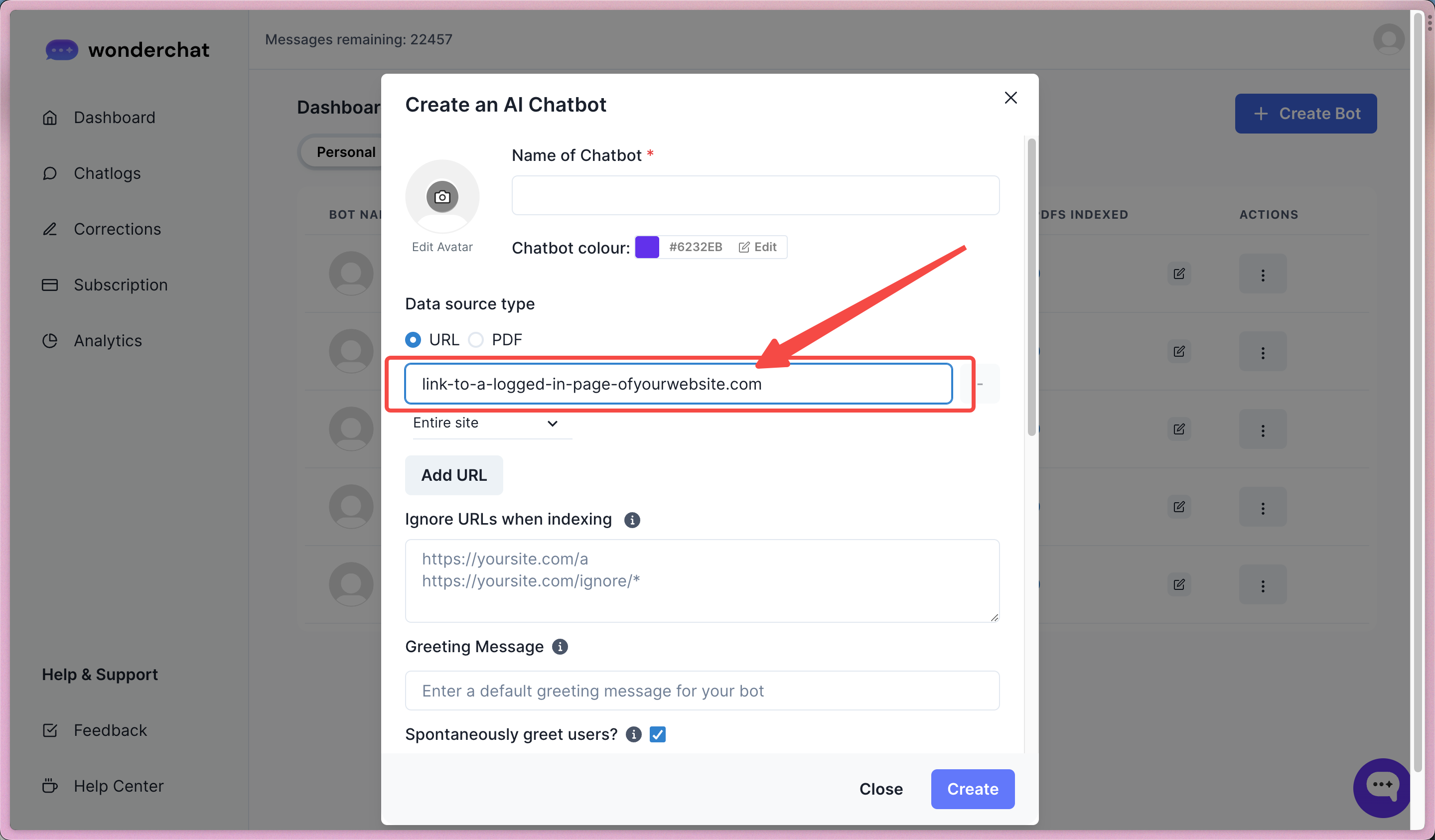
- Adjust the settings of the crawl, if you only want to crawl one page or a sub-directory from your private site, remember to specify doing so.
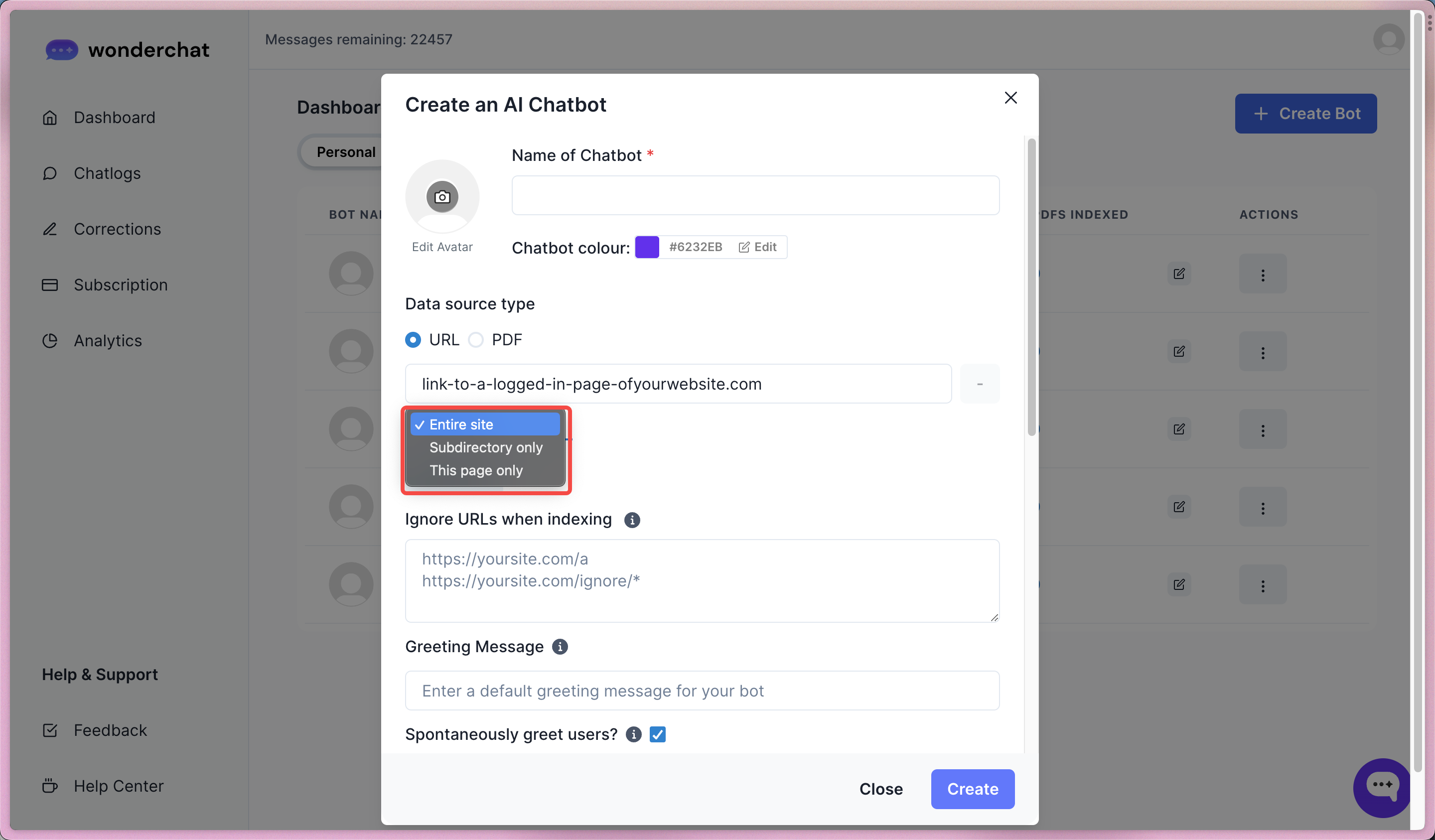
- Under “Advanced Settings”, paste the previously copied Session cookie into the field.
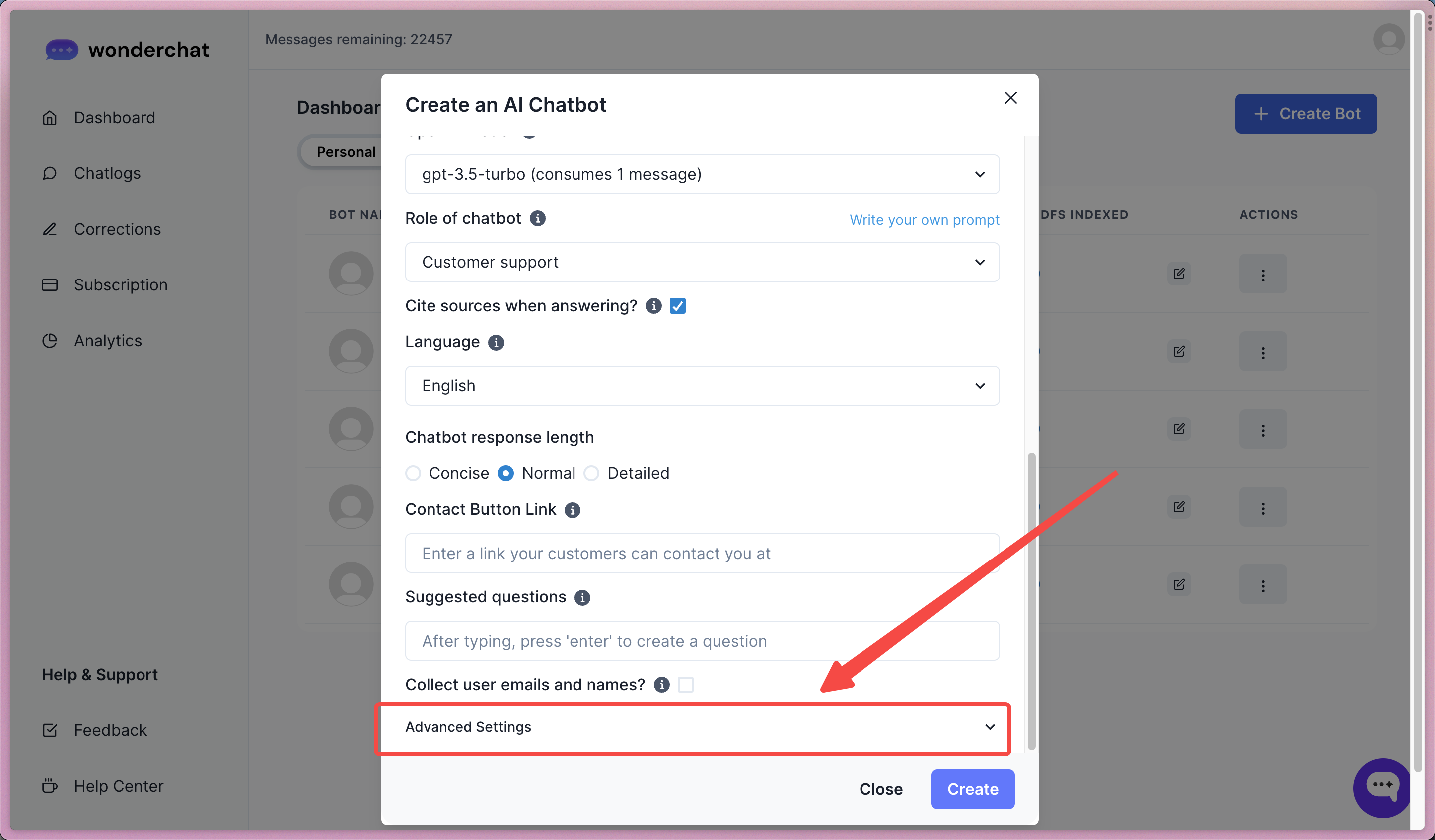
- Hit “create” to create a chatbot trained on your private website data
- A successful crawl would allow the chatbot to crawl pages shown in the “pages crawled” column

⚠️ Note: If the chatbot crawl fails …
- Many websites handle authentication differently. While we have tried to support as many websites as possible, edge cases may still fall through.
- If your website is still unable to be crawled, please reach out to us at https://wonderchat.io/contact and we will do our best to assist you.
Step 5: Add private pages into your Wonderchat Bot
- To add private pages to Wonderchat, you can click on the “add pages” section.
- Enter the link of the website you want to crawl
- If you want to crawl an entire website, remember to add a /* behind your private URL link
- Also copy and paste your session cookie within the advanced settings button