Sometimes you may want to edit the PDF information that your chatbot is trained on. This tutorial demonstrates how to delete and add PDFs into your chatbot
Step 1: Go to the dashboard and click on the edit button
- You can find the edit button located within the column stated “PDFs Indexed”

Step 2: Click on the “Add” or “Delete” button
- You can choose to ‘Upload PDF’ under the add tab.
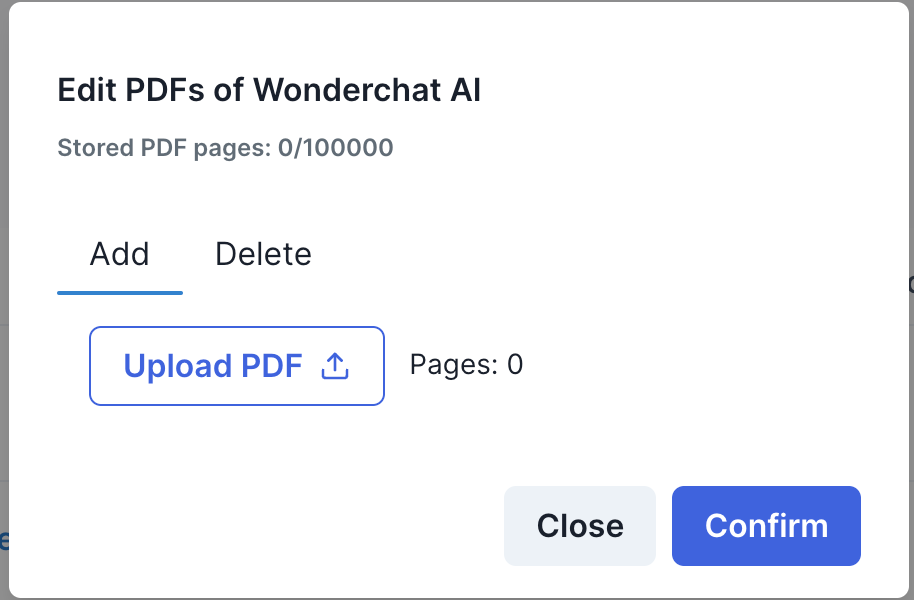
- You can choose to remove the existing PDFs by clicking on the red button and confirming the PDFs to delete