In the interest of chatbot security, you may want to only allow for your chatbots to be embeddable on certain whitelisted websites.
To do so, you can follow the following steps:
- Within the “Edit Chatbot” field, scroll down to the “Advanced Settings” feature
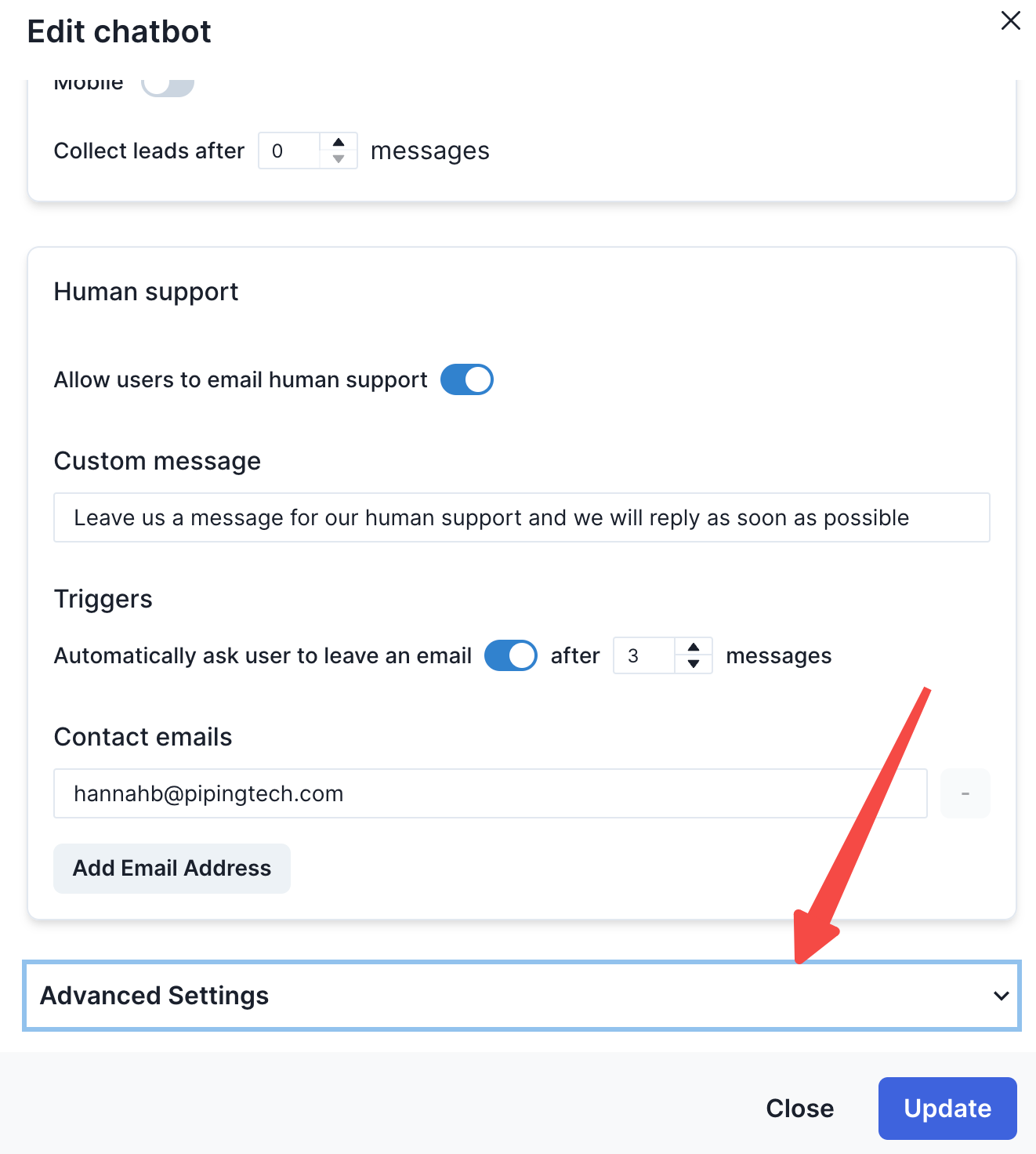
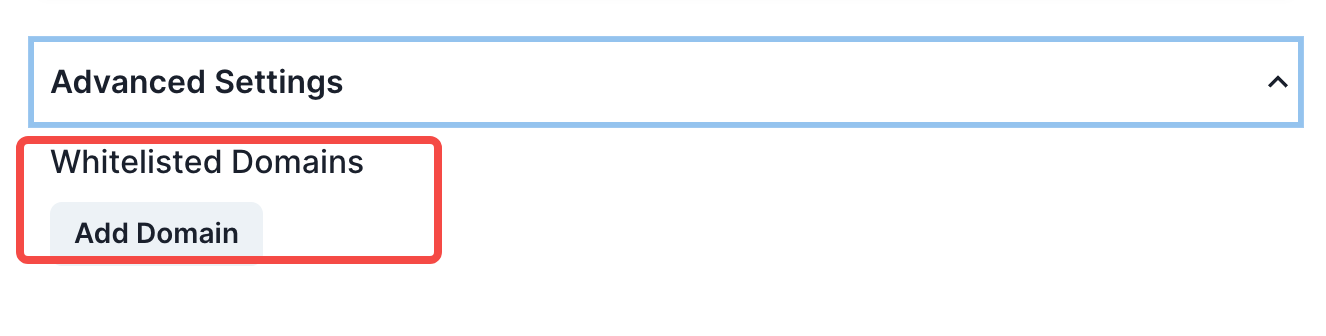
- When you expand the “Advanced settings” dropdown, click on the “Add Domain” button within the “Whitelabel Domain” label
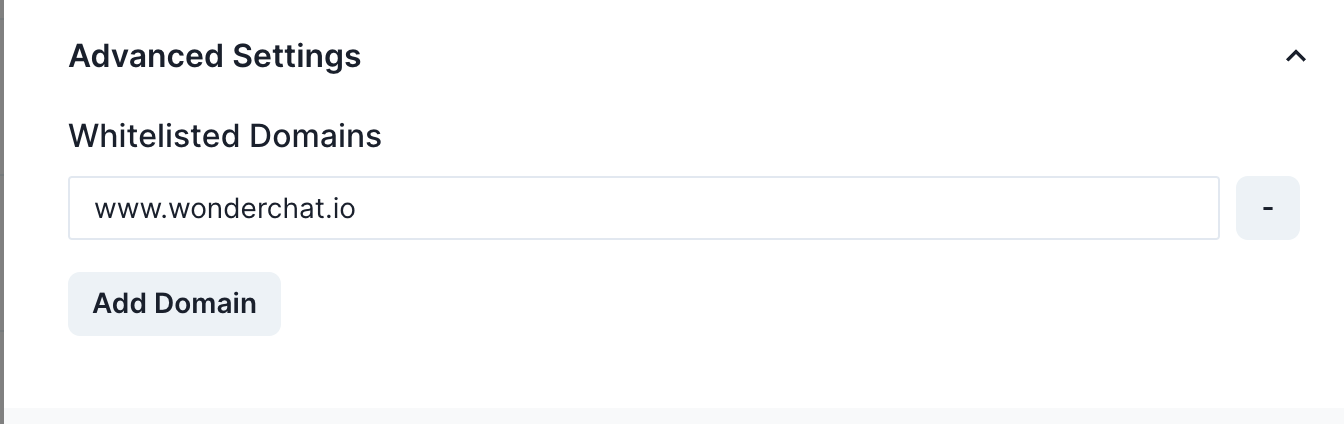
- Enter the domain that you want to allow for the chatbot to be embedded on
Note: Make sure to enter your site in the correct format www.yourwebsite.com
- Your chatbot will be able to show up as a normal widget on your site.
- Where you attempt to embed the chatbot on a non-whitelisted domain, it will not show up