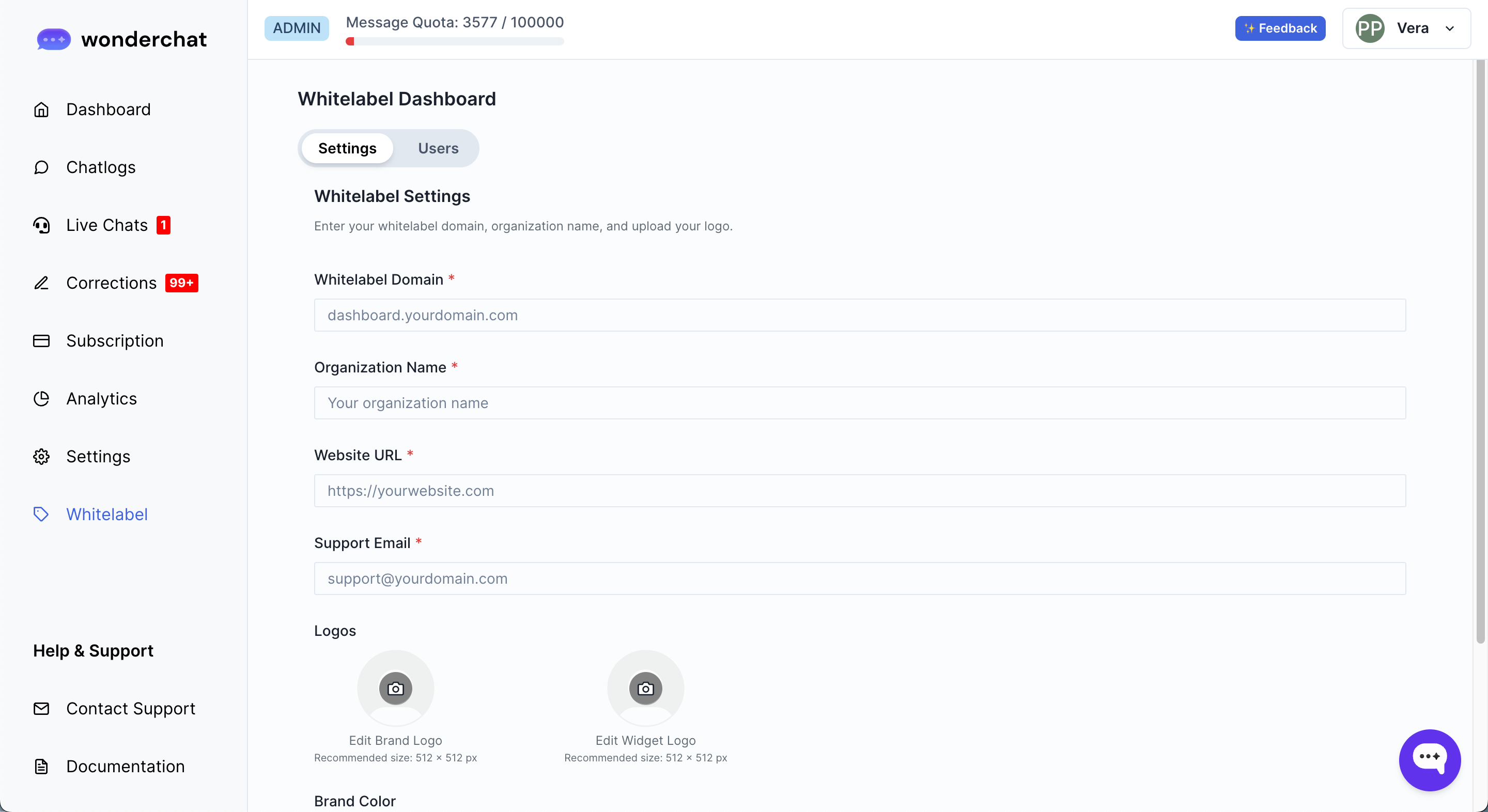
- To set up your whitelabel dashboard, click on the ‘whitelabel’ link on the left side of the tab
- Within the dashboard, you can enter the whitelabel domain name that you wish to store the dashboard under.
- This could be ‘dashboard.yourwebsite.com’.
- Once you have connected your whitelabel domain, you can generate the DNS setting and copy and paste the information into your domain name provider
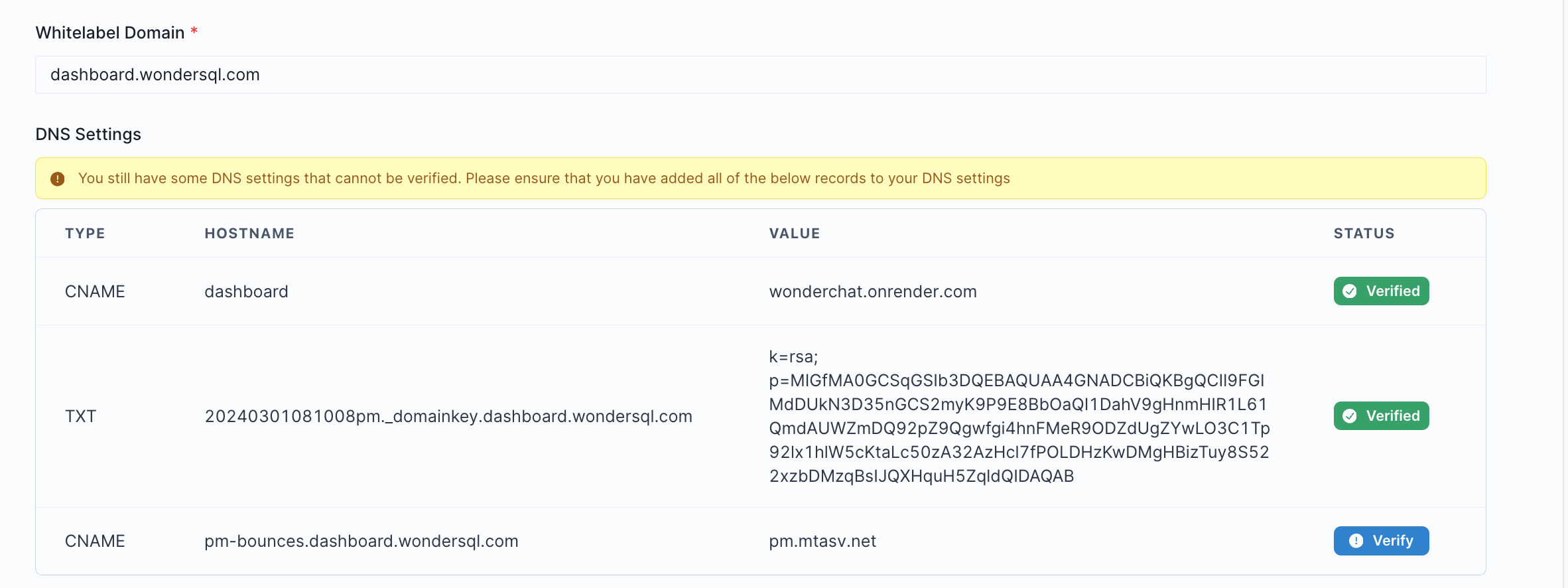
- Once you have updated the DNS settings record, click on verify
- Upon verification, you can log into your dsahboard.yourdomain.com
- You should see a sign up page with your name and logo like the example below