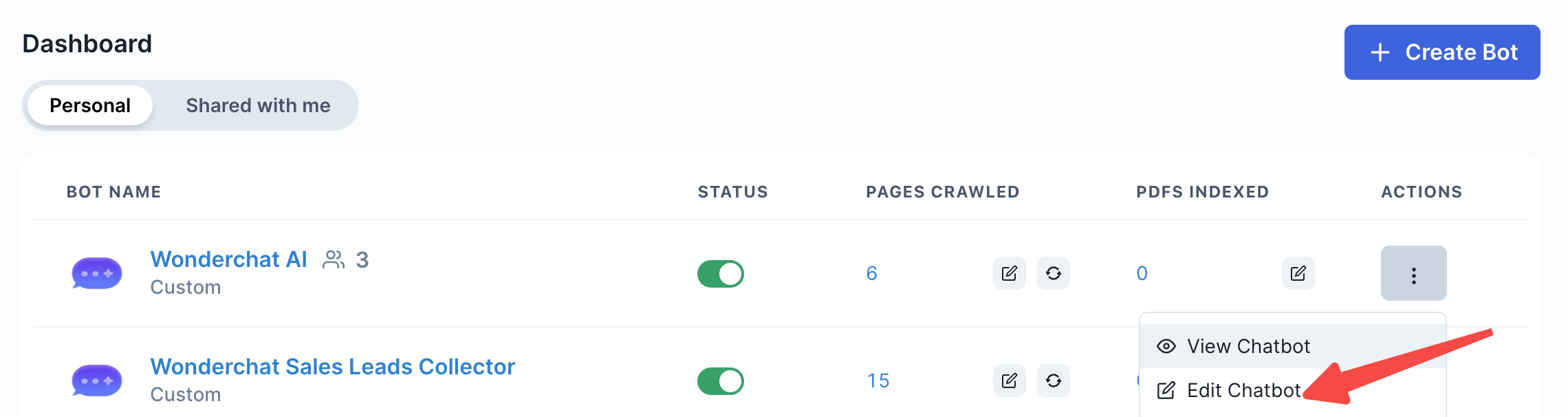
- Navigate to “Edit Chatbot”
- Scroll down to “Spam filter”
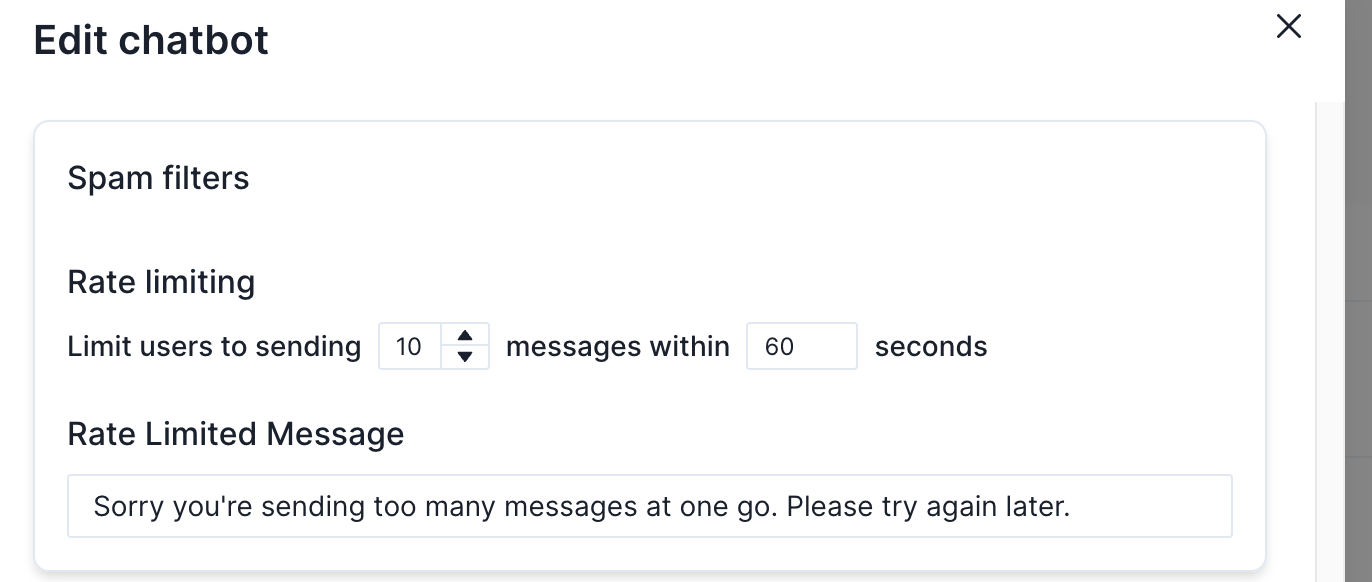
- Toggle the rate limit to limit the number of messages sent to your bot within a timeframe
- Note that when the rate limit is reached, the fallback message displayed will NOT consume any message credits, as the spammer will be continuously denied from using your message credits.