- To upload Youtube video links as a data source, go to Dashboard > Edit Chatbot
- Within the Edit Chatbot window, navigate to Data Source Type > Select Youtube Link to upload a video link
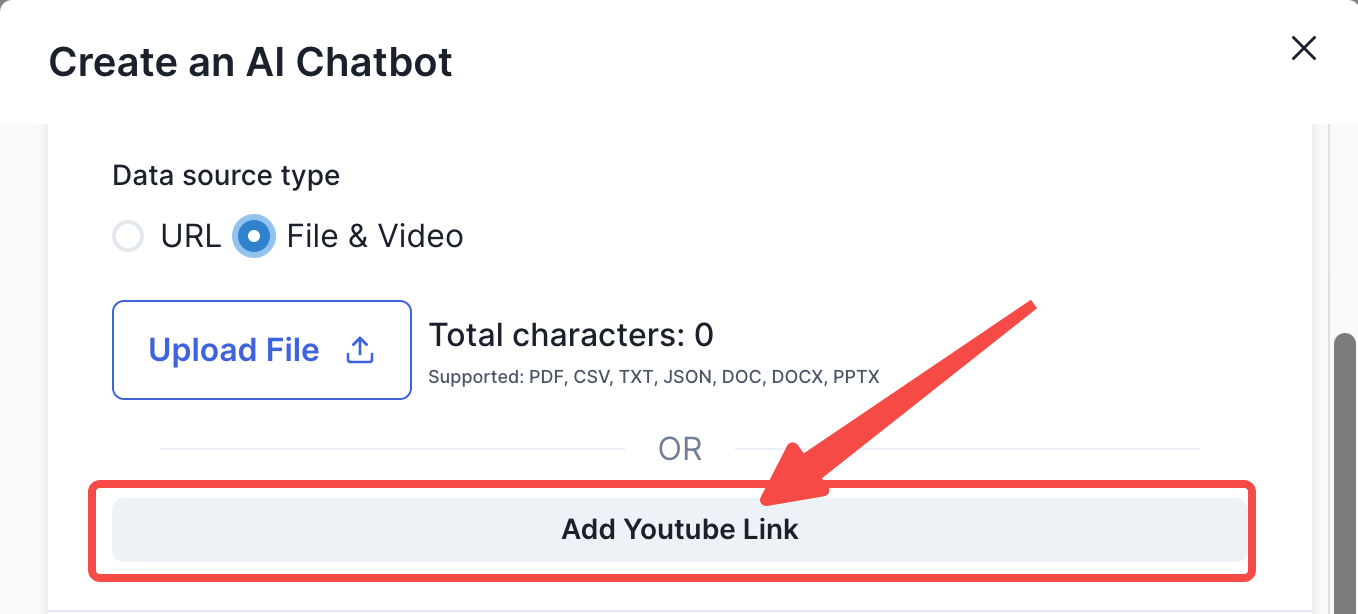
- Upon adding a youtube link, the you can click ‘create a chatbot’ or ‘update chatbot’.
- Note that the Youtube link uploaded must have transcripts attached to it. Otherwise there is no ‘information’ for the chatbot to index.
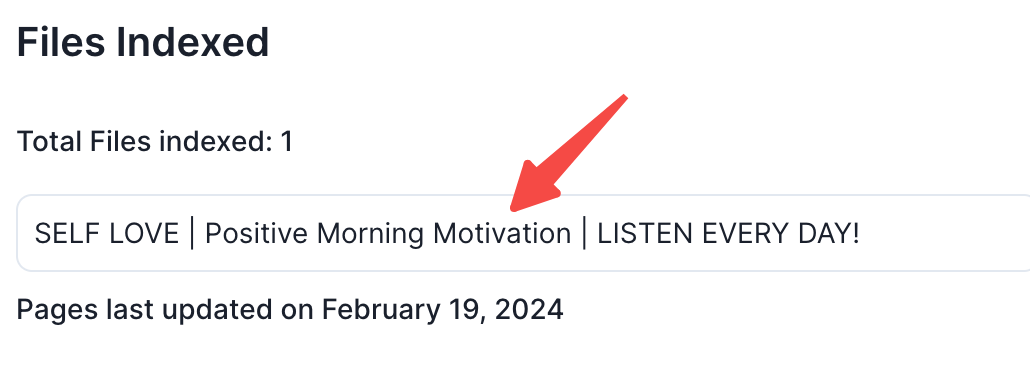
- To check if your video has been successfully indexed, within the dashboard, click on the files indexed
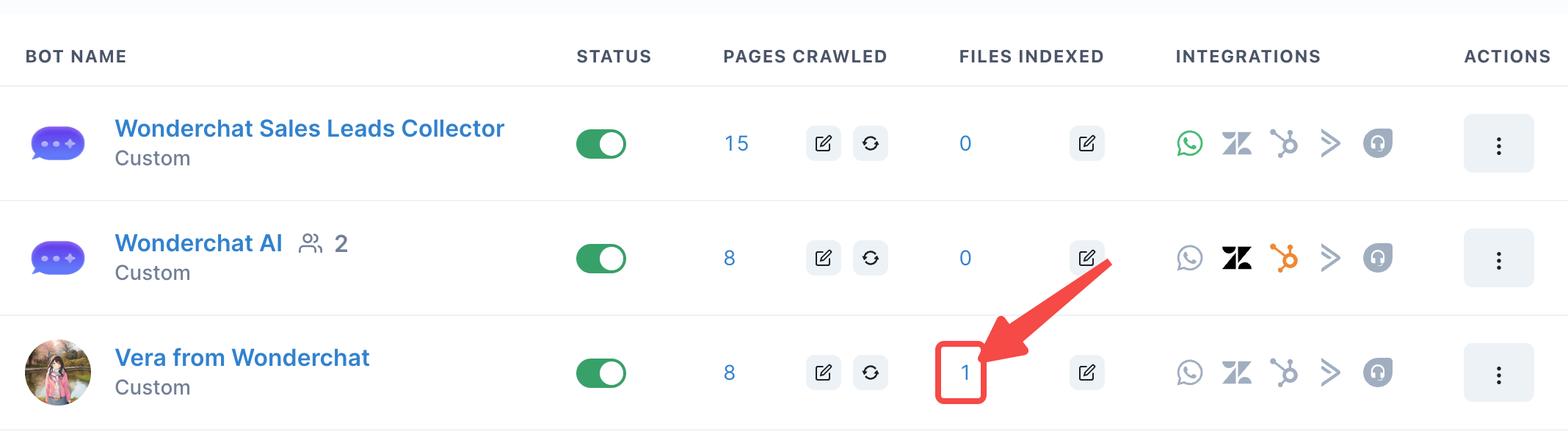
- Upon clicking the number of files indexed, it should show the title of the Youtube video you have uploaded