Sometimes users may want to delete a chatbot after upgrading their plans to start a new one. Or they may also just want to create a new chatbot for a new site altogether. In this guide, we will show you how to delete an entire chatbot. Note that if you want to delete only specific pages of your chatbot, we recommend you to check out our documentation on Untitled
- Go to your dashboard and click on the action drop down menu and click on “delete chatbot”
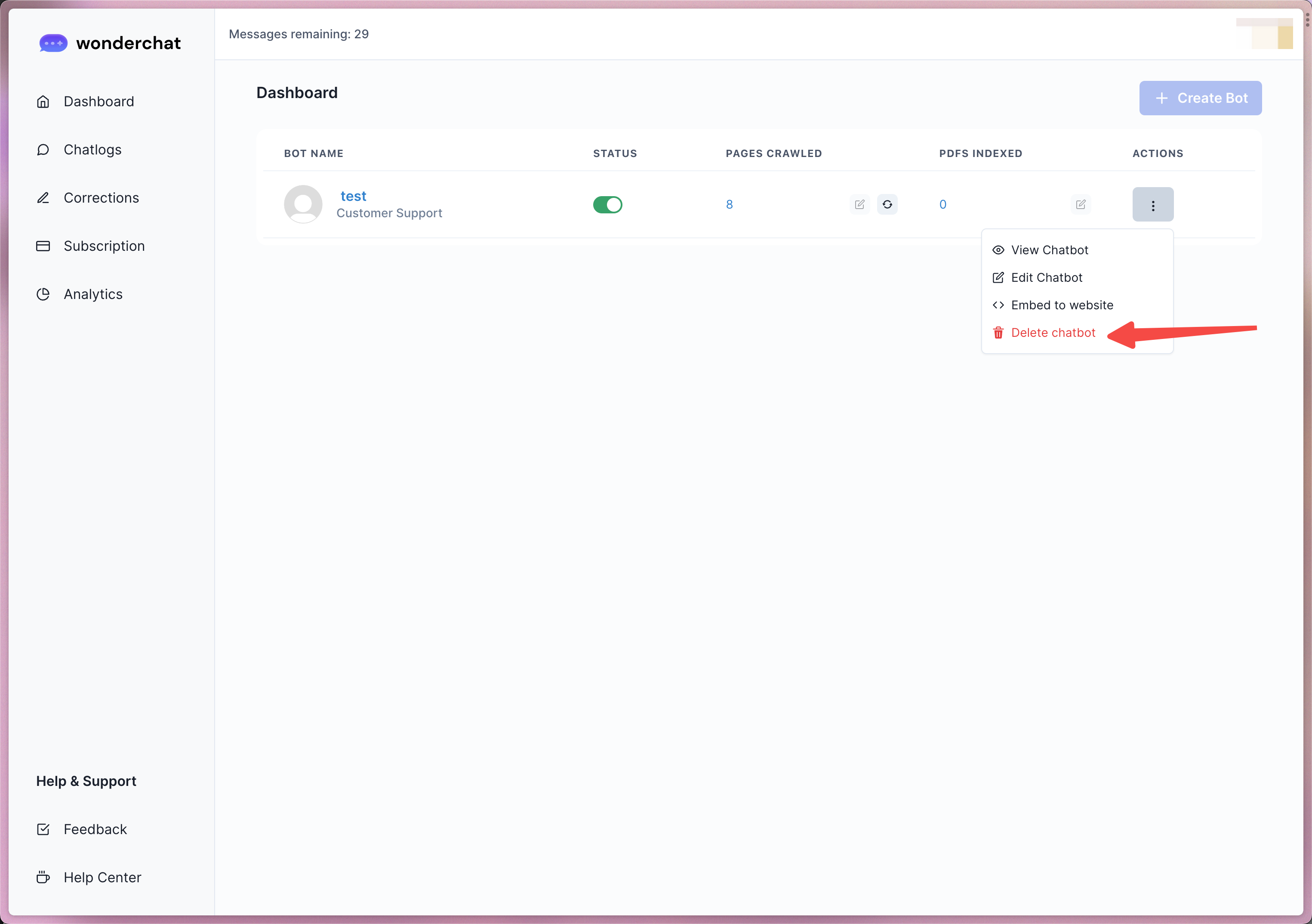
- Once deleted, the chatbot will no longer be on your dashboard.